Zeno Books.
Growing businesses need real double-entry accounting and invoicing that scales with them, not a spreadsheet that breaks past a certain size.
One ledger every module posts to. Nothing in Reports or Analytics is calculated separately from it.
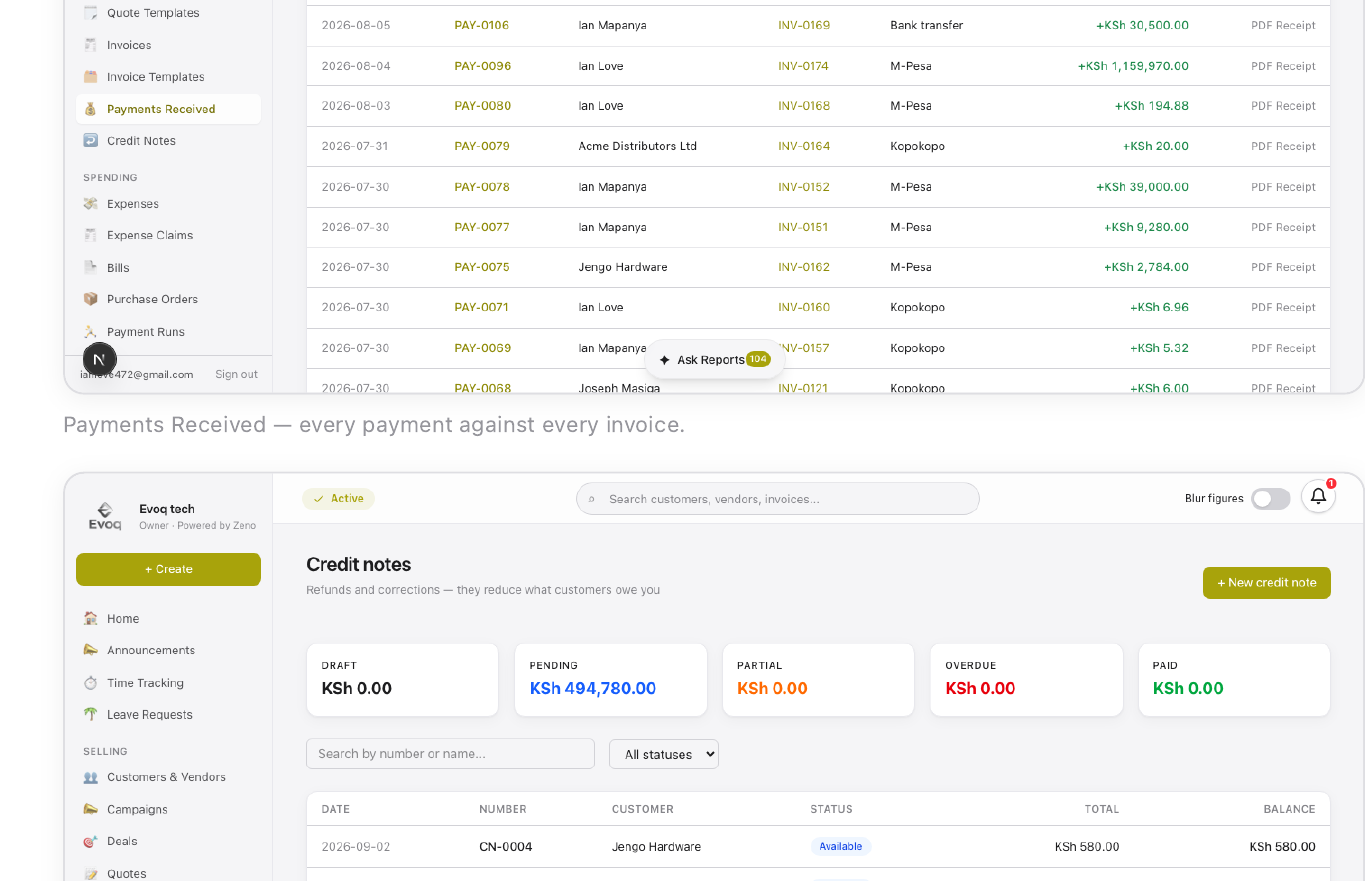
Money moves through Zeno Books in a predictable line: a quote is drafted against a customer contact, sent, and — once accepted — converted into an invoice with one click. Recording a payment updates the invoice balance in real time and posts the receipt to Accounts Receivable and the paying account. A Purchase Order mirrors this on the spending side — it becomes a bill on receipt, then a payment via manual record, gateway, or batched Payment Run. A payroll run posts the liability only; a separate Record Salary Payment step clears it against a real account, so cash never moves until that second step. Every one of these documents ends up as a real double-entry journal entry in the Accountant module.
Core Workflows
Customer asks for pricing → Sales drafts a Quote → sent and accepted → Convert to invoice → customer pays via M-Pesa STK → payment posts to the ledger automatically → a Credit Note can still be raised later if a refund is needed.
Inventory raises a Purchase Order → vendor delivers, partially or fully → Convert to bill → Accountant records payment or batches it into a Payment Run → the line posts to Inventory Asset if the item is tracked, or to the expense category if not.
HR runs payroll for the month → PAYE/NSSF/SHIF/AHL calculate from Rules & Tax → Post to Ledger accrues the liability → Record Salary Payment clears it against the real bank/M-Pesa account used → the run flips from NOT PAID to PAID.
System Reference
17 modules, built for how Kenyan businesses actually run.
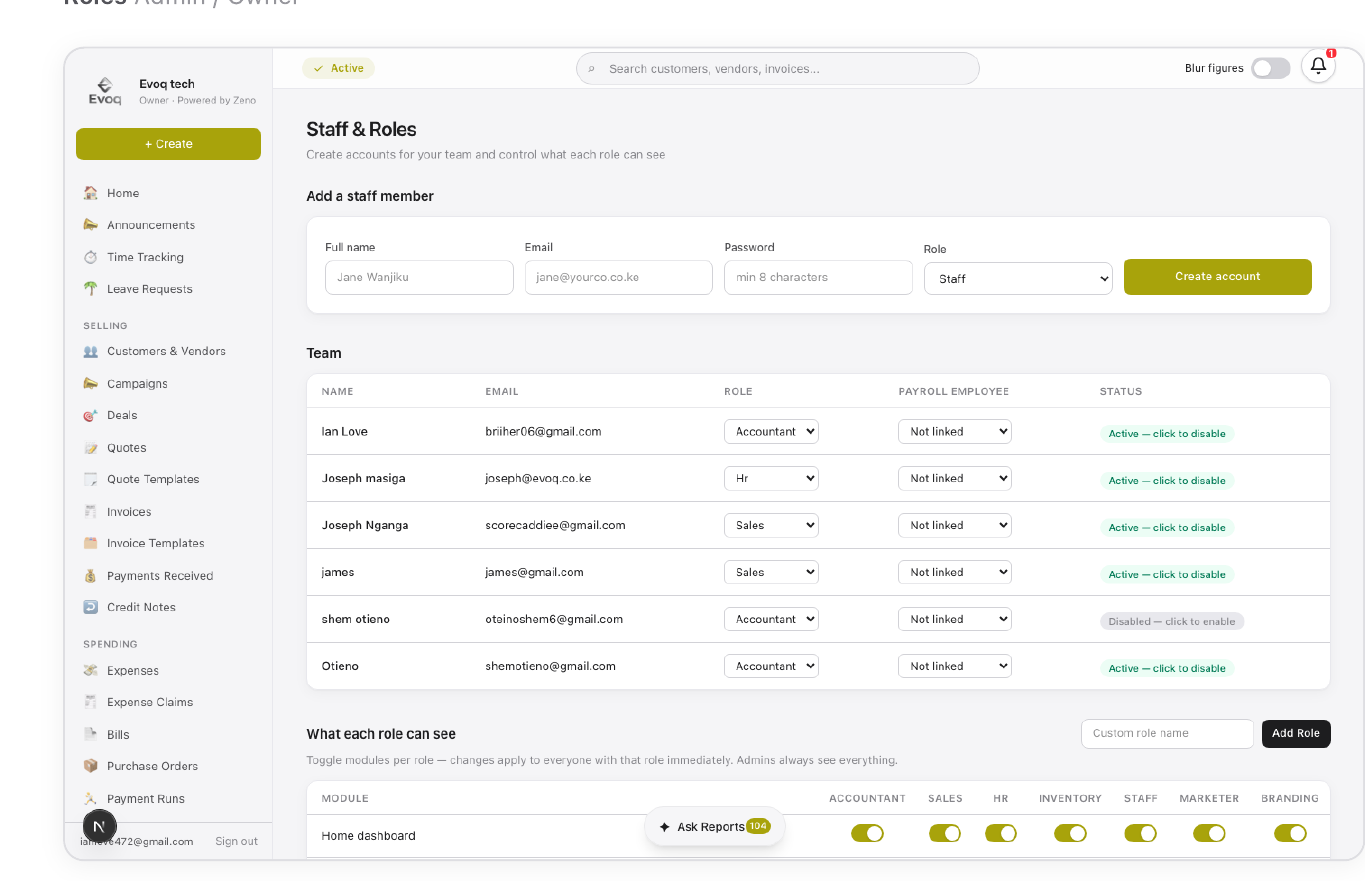
Six built-in roles ship out of the box — Admin, Accountant, Sales, HR, Inventory, and Staff — plus any custom role an admin creates. Staff is deliberately narrow: self-service only. Admins toggle exactly which modules any role can see, per organization, from Staff & Roles.
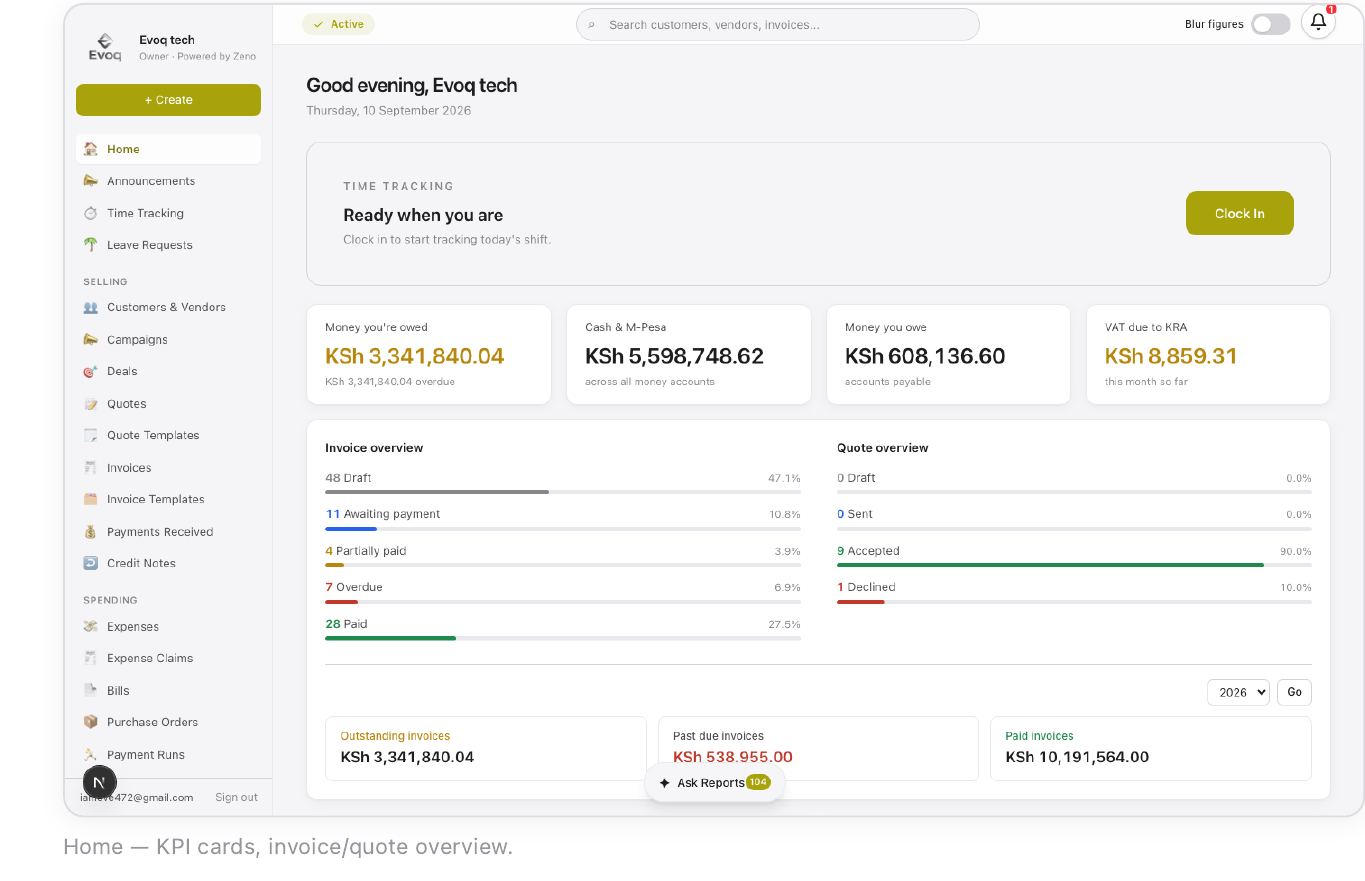
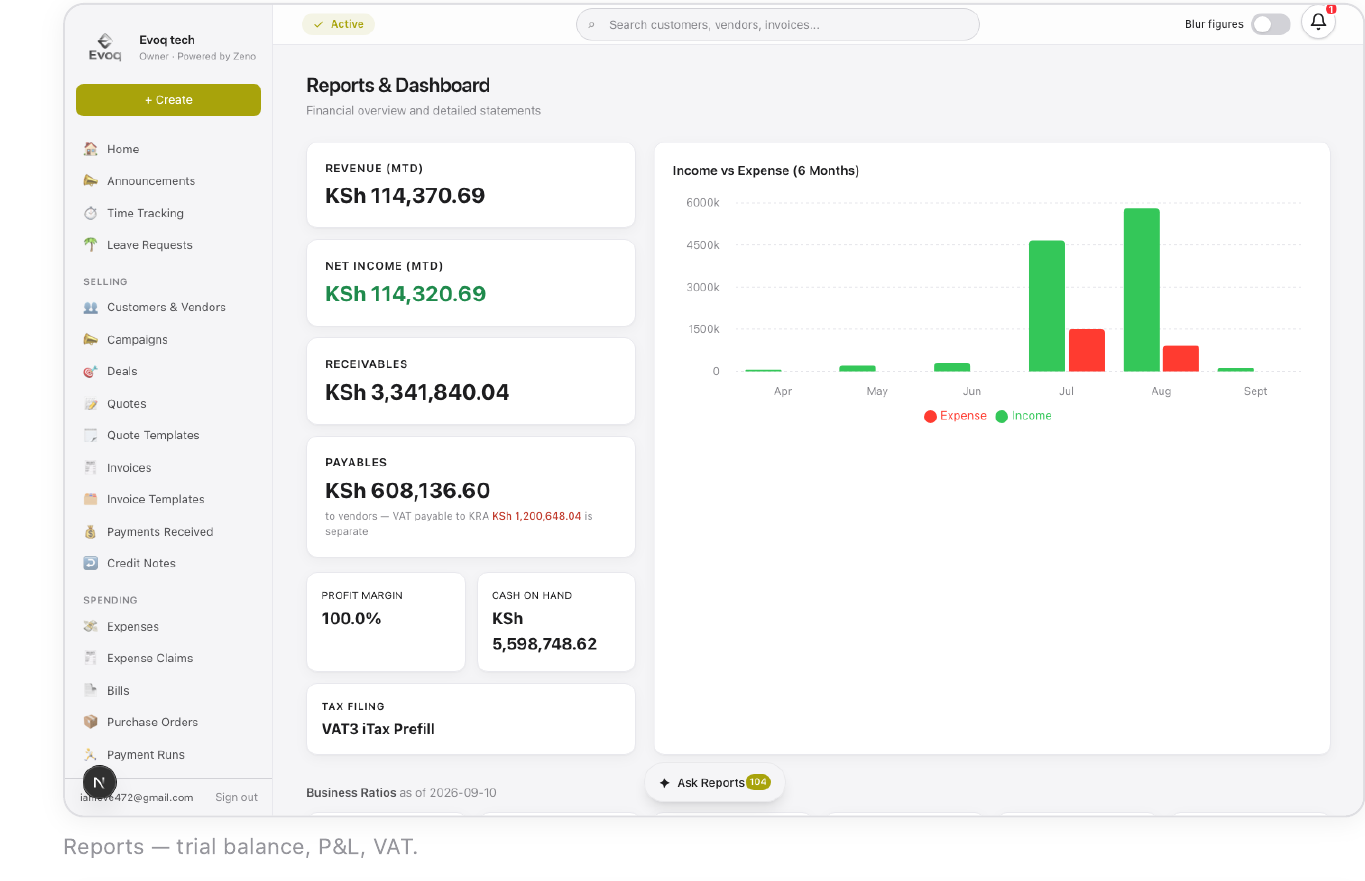
The first screen on login, tuned to the signed-in role. Admins and accountants see money owed, cash across every bank/M-Pesa account, VAT due to KRA, an invoice/quote status breakdown, and a 6-month income vs. expense chart. Everyone else gets a narrower, personal view.
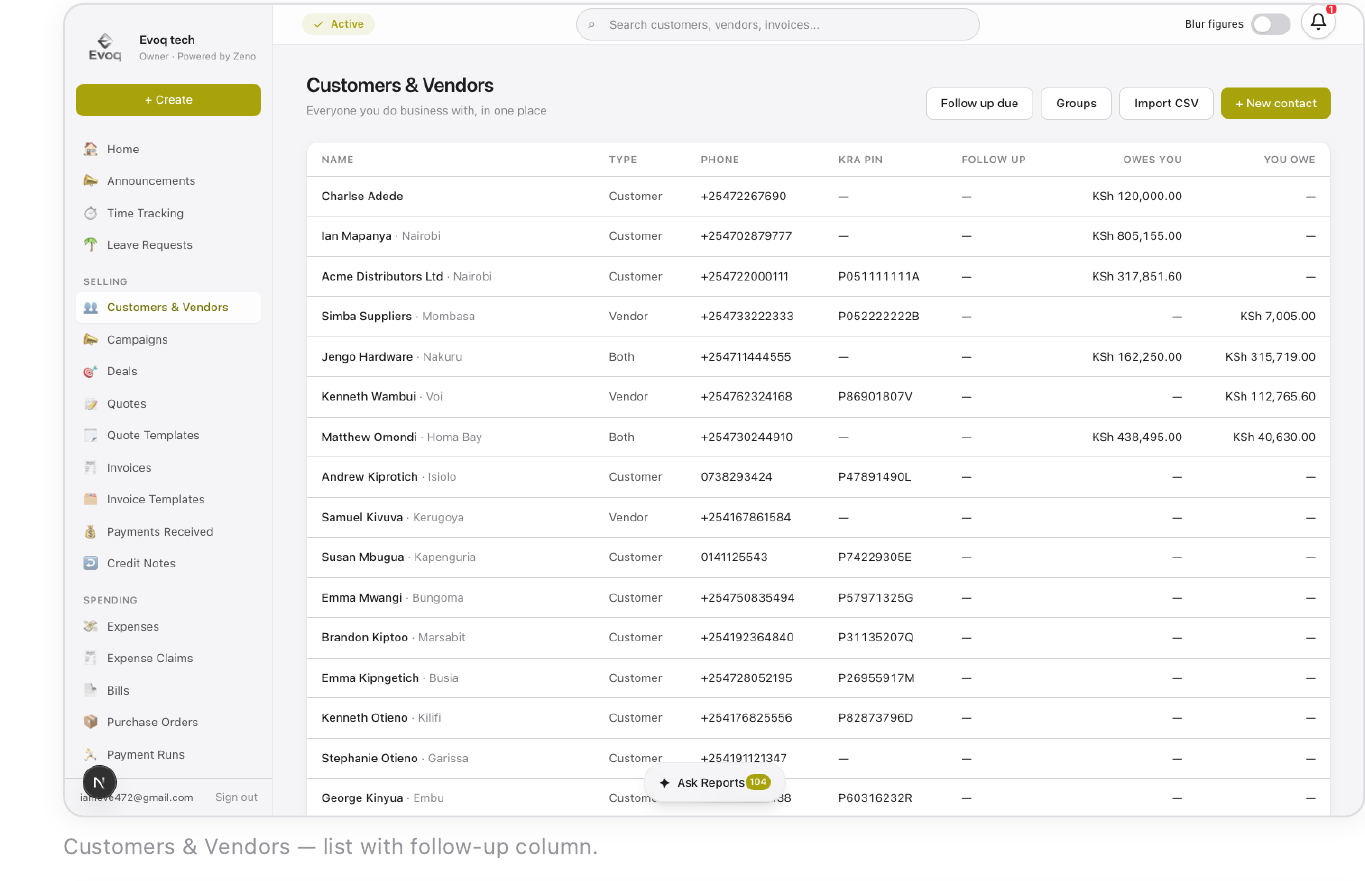
One shared address book — a contact can be a customer, a vendor, or both. Every quote, invoice, bill, and credit note links back to a Contact. Vendors can save a default payout destination (M-Pesa, till, paybill) so bills never need re-entering payment details.
A lightweight pipeline for tracking sales opportunities before they become a real quote or invoice: Lead → Qualified → Proposal → Negotiation → Won/Lost. Entirely optional — a customer can be quoted or invoiced directly without ever creating a deal.
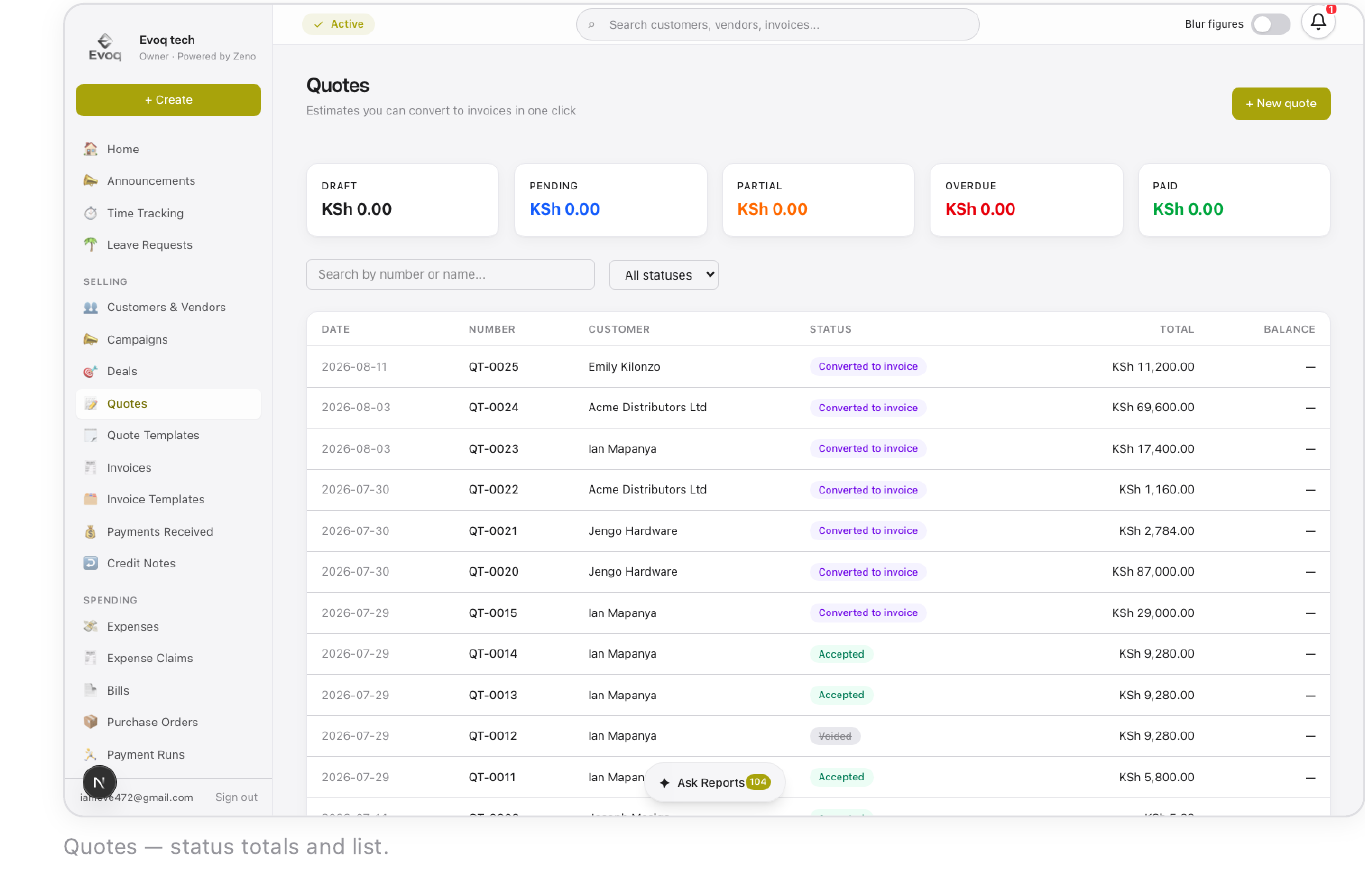
A formal, priced proposal that can be drafted, sent, accepted, declined, or converted straight into an invoice. Line items can be catalog items, one-off lines, or bold category headings for grouping. Templates save a reusable layout so a common package isn't rebuilt from scratch.
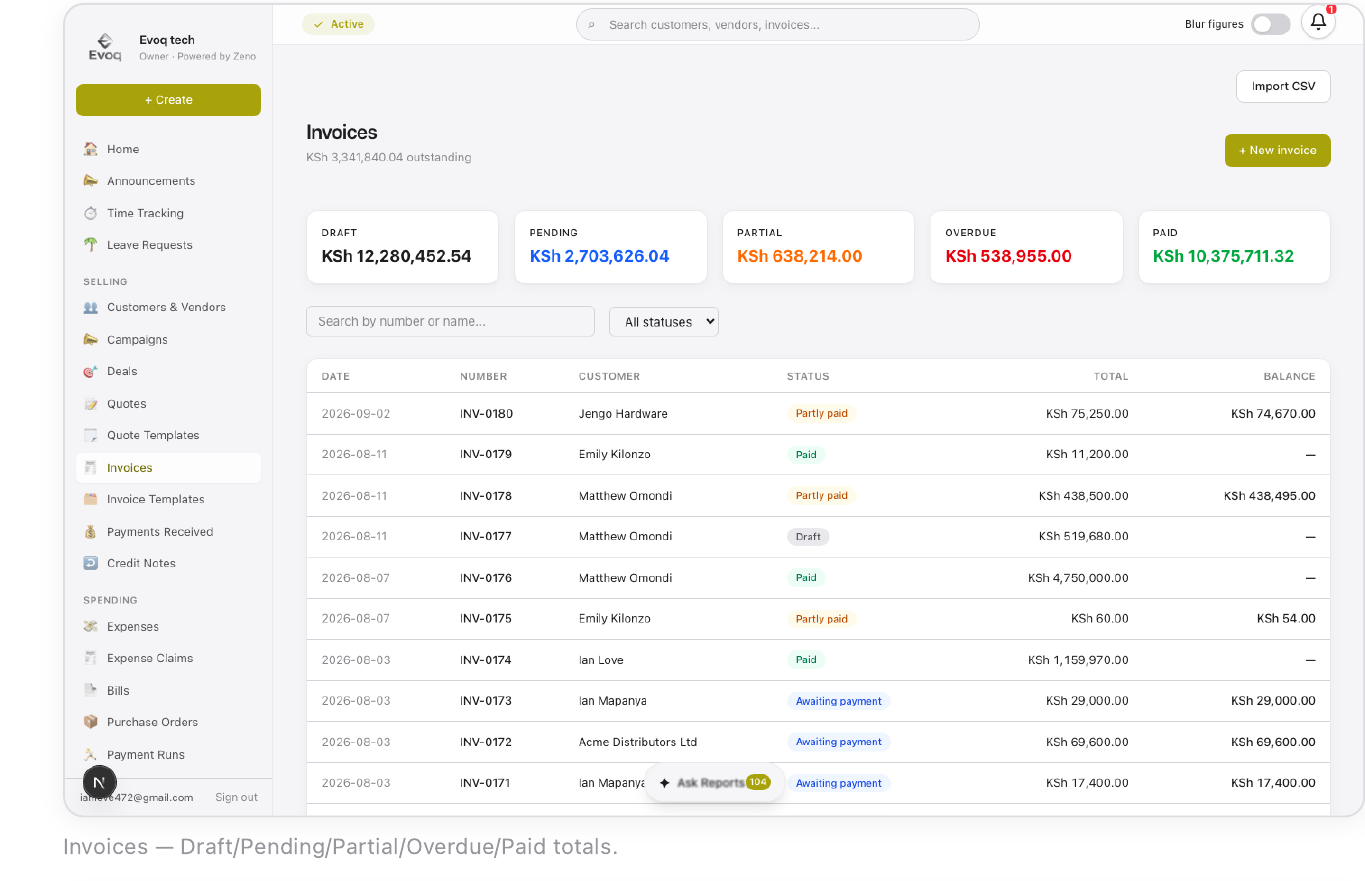
Every invoice line carries KRA-compliant VAT and is eTIMS-ready. Status moves Draft → Awaiting payment → Partly paid → Paid, or Overdue past the due date. Record Payment logs money already received; Request via Gateway sends a real M-Pesa STK prompt to the customer's phone.
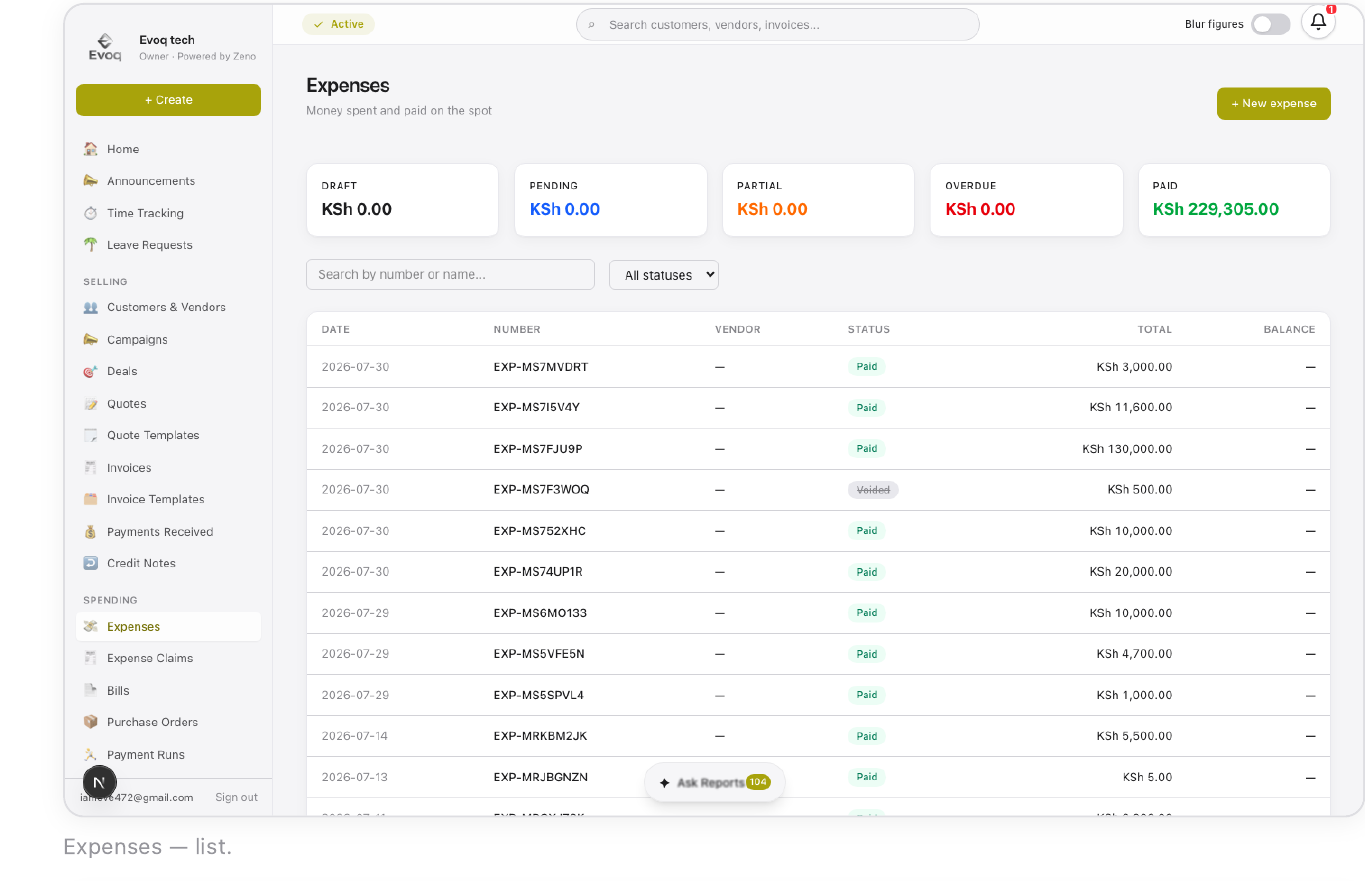
An Expense is paid immediately from a bank, M-Pesa, or cash account and tagged with a category. Expense Claims is the staff-facing side — any employee can file a claim with a receipt regardless of role, reimbursed via M-Pesa once approved.
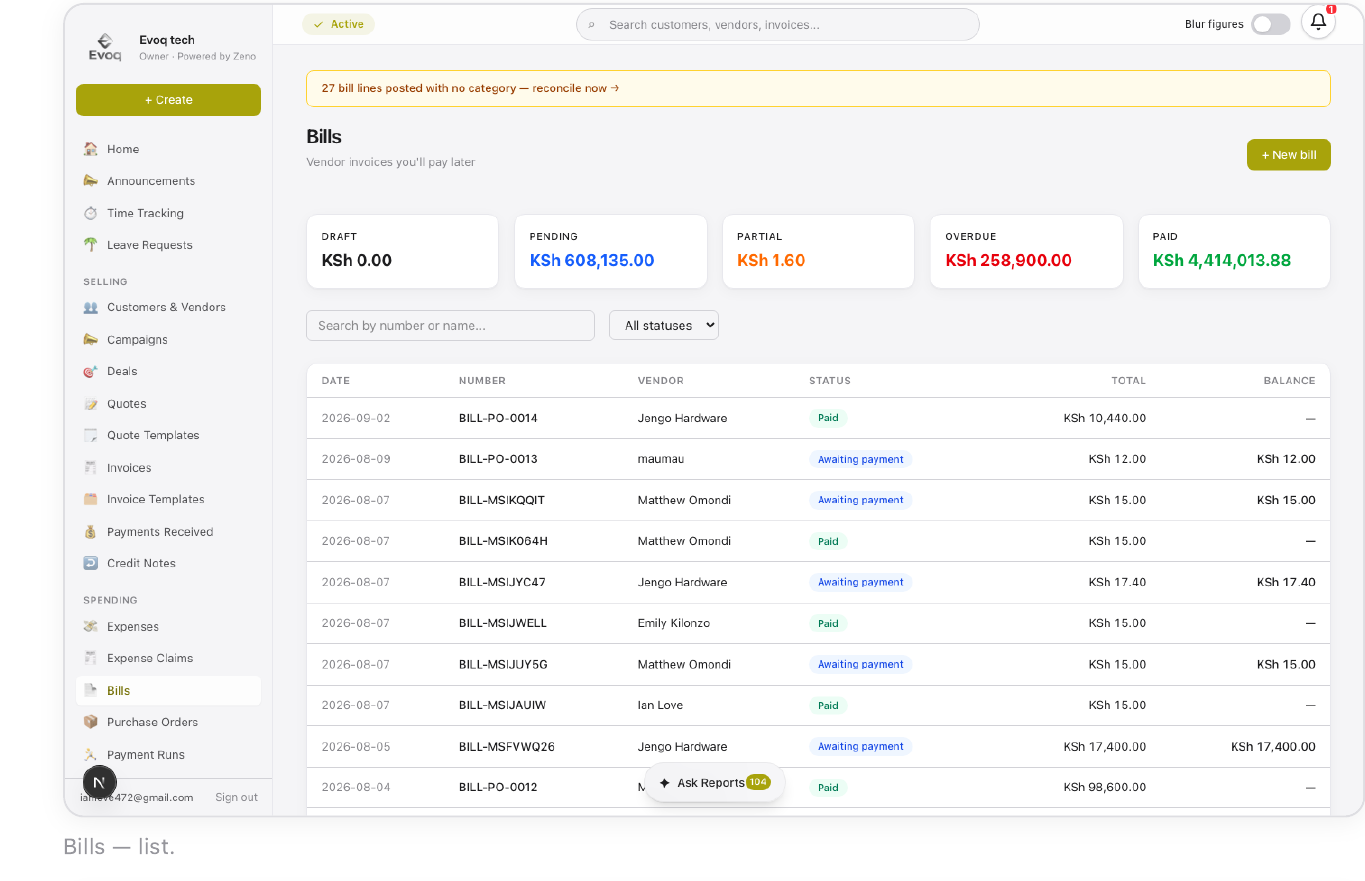
A Bill is a vendor invoice paid later; a Purchase Order commits to buying before a bill even exists, and converts into one once goods arrive — partial receipt supported, so one PO can convert across more than one bill. Payment Runs batch-pay several bills at once.
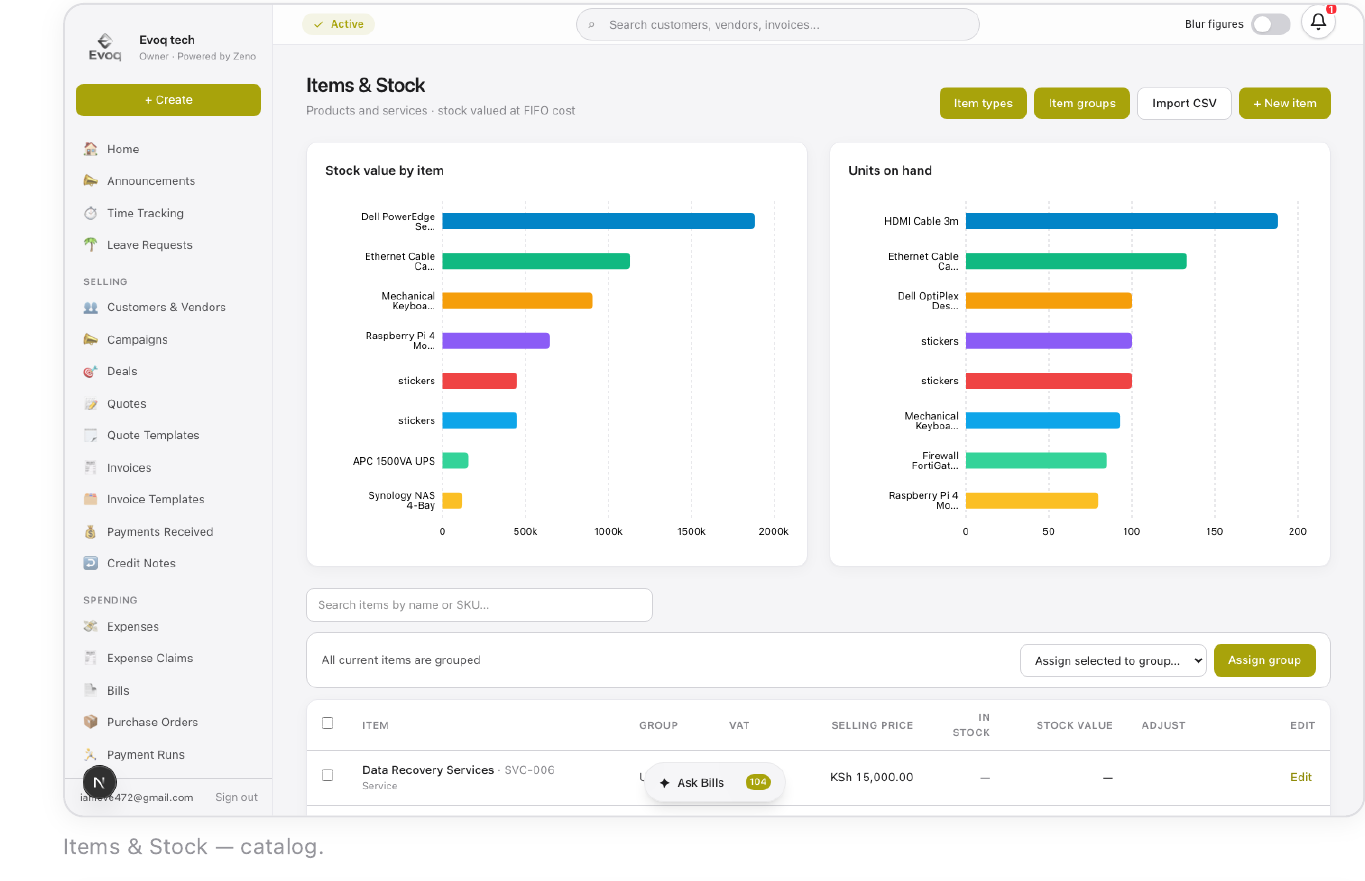
The catalog and stock ledger for everything the business sells or buys. Tracked items use FIFO costing — each purchase creates its own cost lot, and a sale consumes the oldest lot first. Multiple warehouses hold separate stock counts, moved between with Stock Transfers.
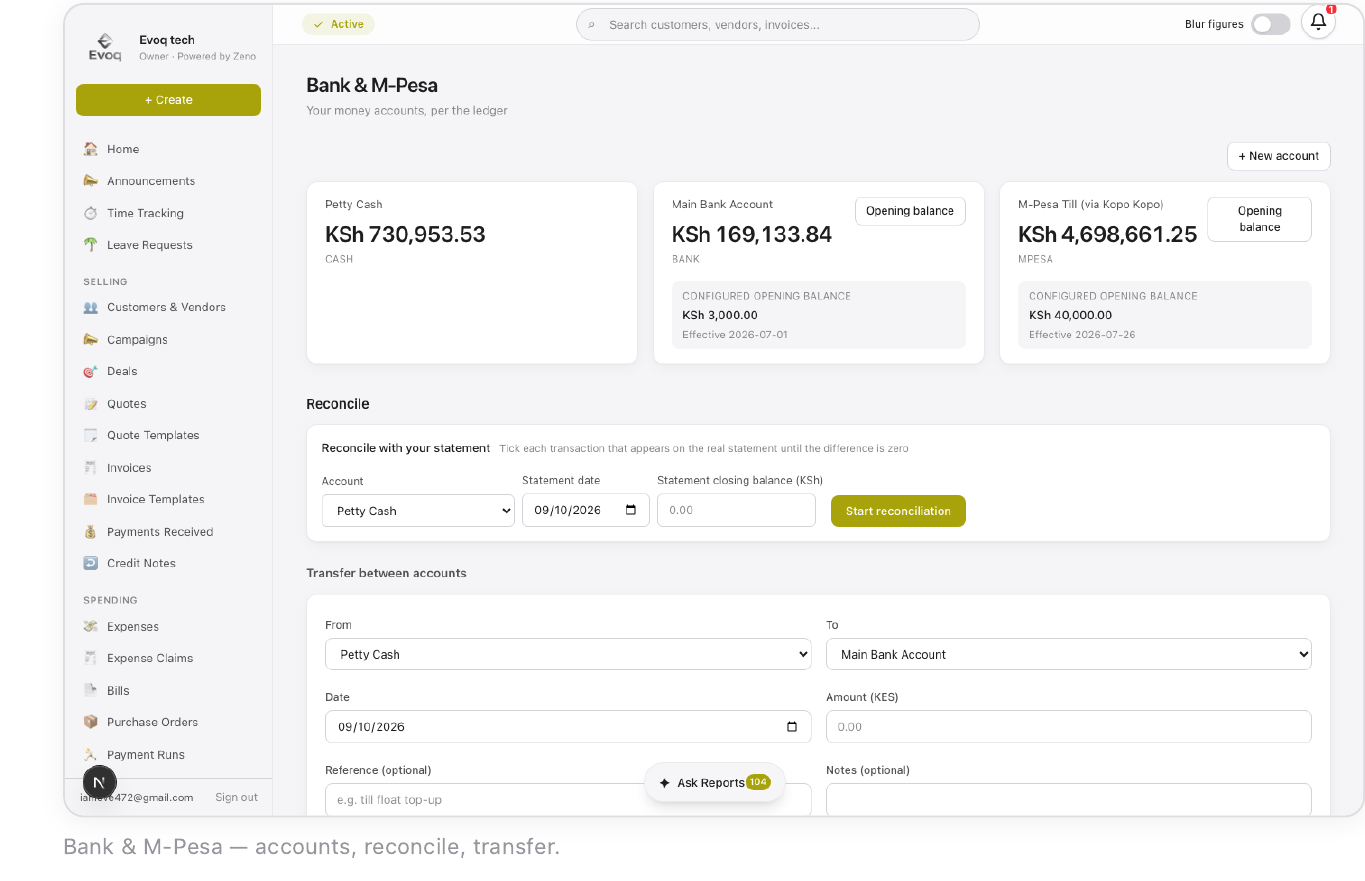
Every bank account, M-Pesa till, and cash account, reconciled line by line against a real statement's date and closing balance. A reconciliation left unfinished resumes exactly where it stopped. Transfers move money between the business's own accounts without looking like income.
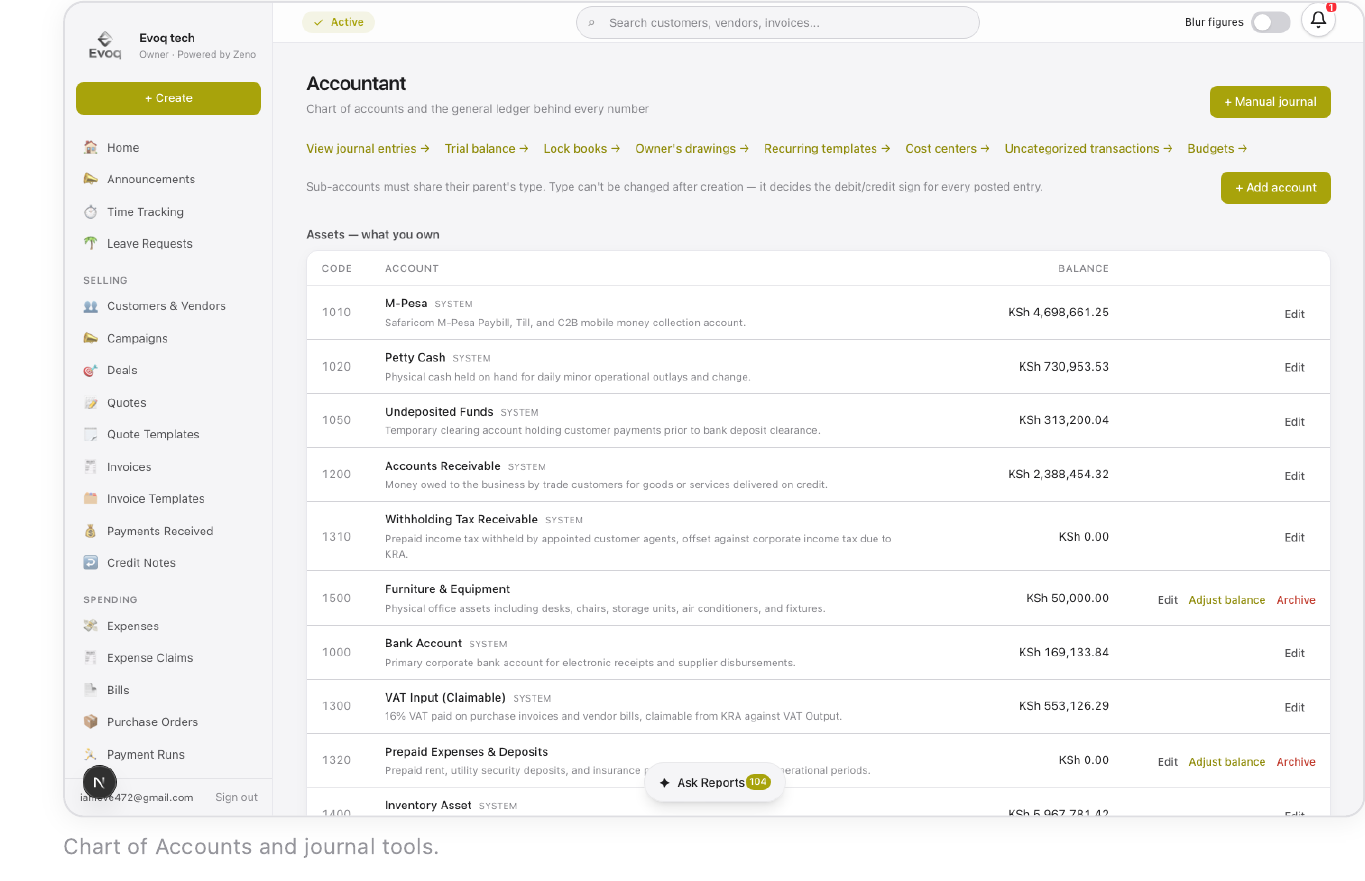
The double-entry engine every other module posts to automatically — Chart of Accounts, journal entries, Trial Balance, period locks, cost centers, and uncategorized transactions. Every account is one of five types, fixed at creation, which decides its debit- or credit-normal behavior for good.
Equipment, furniture, and vehicles the business owns outright, plus intangible assets that amortize instead of depreciating. Run Depreciation posts one period's straight-line entry at a time; disposal asks which account received the proceeds for a sale or trade.
Reports cover the compliance set — Trial Balance, P&L, VAT prep that mirrors what gets filed with iTax. Analytics adds the decision layer: revenue trend, top customers, top items and services, and quote conversion rate, reading real transaction data with nothing paywalled.
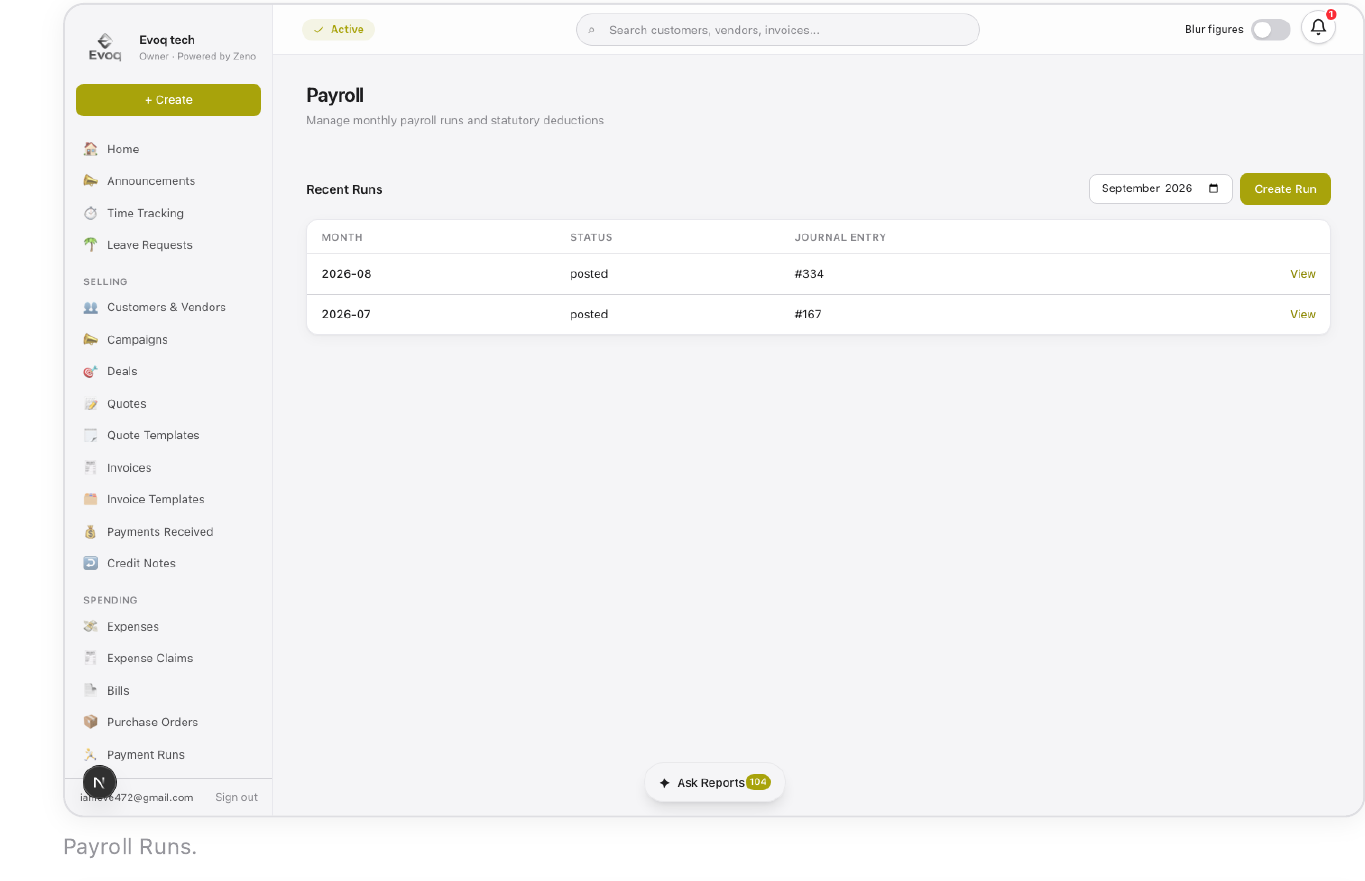
PAYE, NSSF, SHIF, and the Affordable Housing Levy calculate automatically from Rules & Tax, which carries an effective-from date so a mid-year statutory change never retroactively rewrites an already-run month. Posting is two steps — Post to Ledger, then Record Salary Payment.
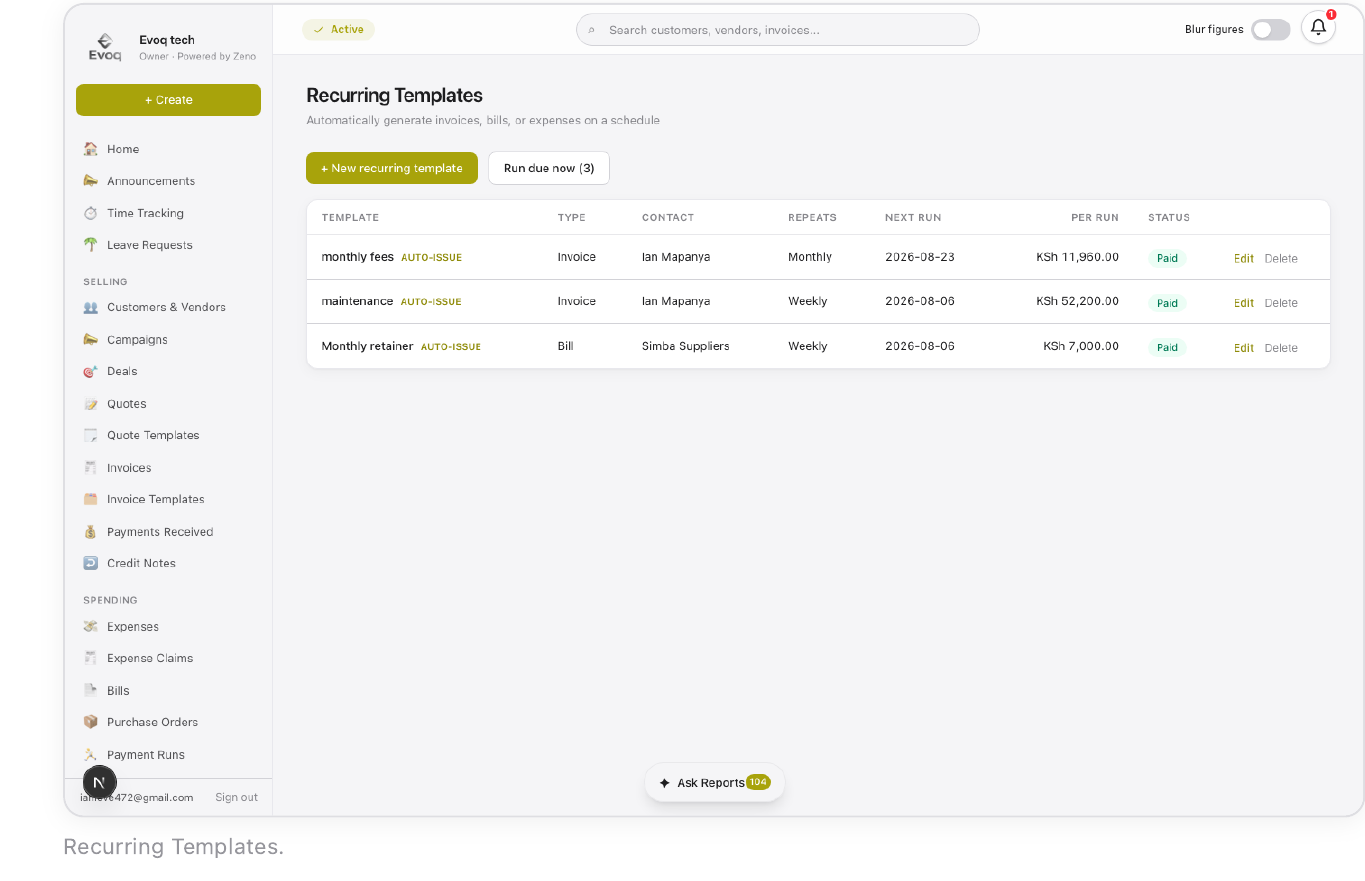
Set an invoice or bill to regenerate on a schedule instead of re-entering it every cycle. Due date can be a flat number of days or a genuine "due at end of next month" calendar rule, and a template can issue automatically or wait as a draft for review.
Where an admin creates staff accounts, assigns roles, and controls exactly which modules each role sees. Toggling a module for a role applies to everyone with that role immediately — the permission matrix here is the literal source of truth for every sidebar item in the org.
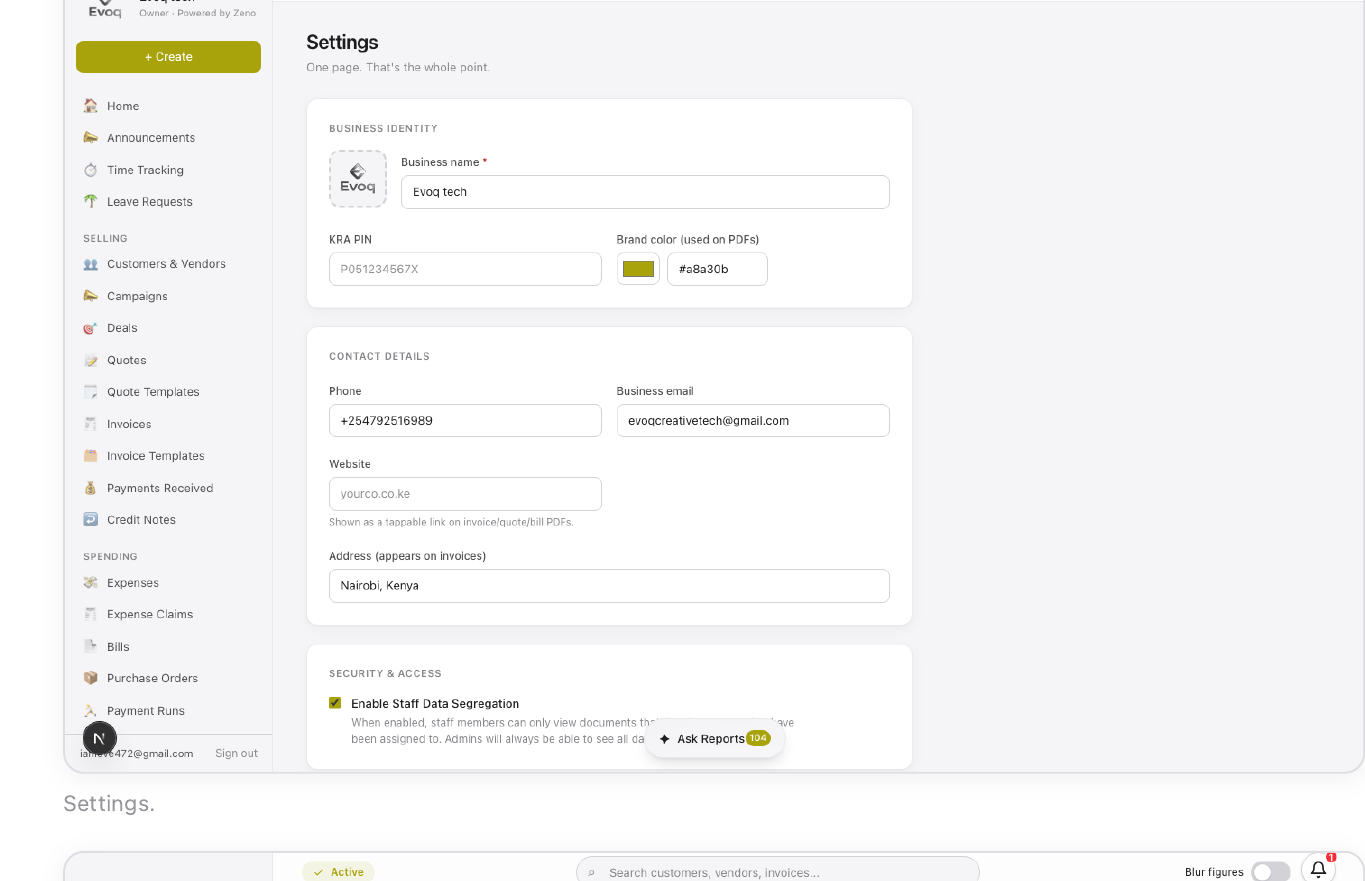
Org-wide configuration: business identity (name, logo, brand color, KRA PIN, document numbering), the org's own subscription status, and Payment Gateways connecting M-Pesa Daraja or Kopo Kopo for automated, matched inbound payments — no manual reconciliation needed.
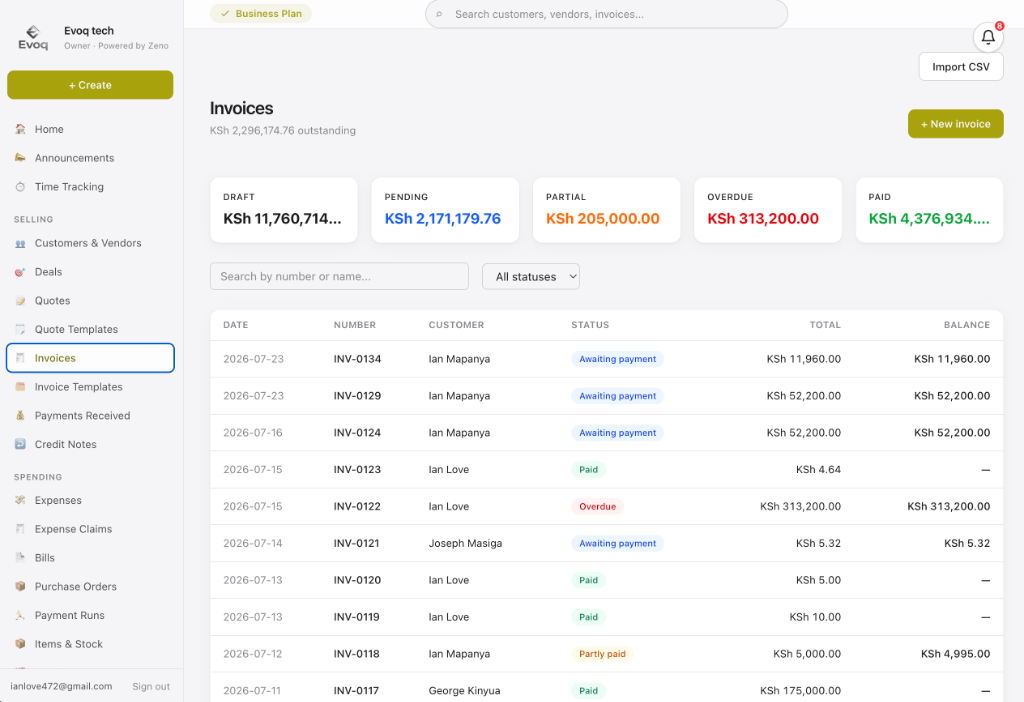
A unified invoicing and accounting core that runs as part of Zeno's always-on microservice stack.
“Zeno is an example of an all-in-one business architecture built by Evoq Studio — consolidating CRM pipelines, ERP supply chains, HR payroll, and double-entry accounting into a single high-availability microservice stack.” — Evoq Studio, System Architecture Note